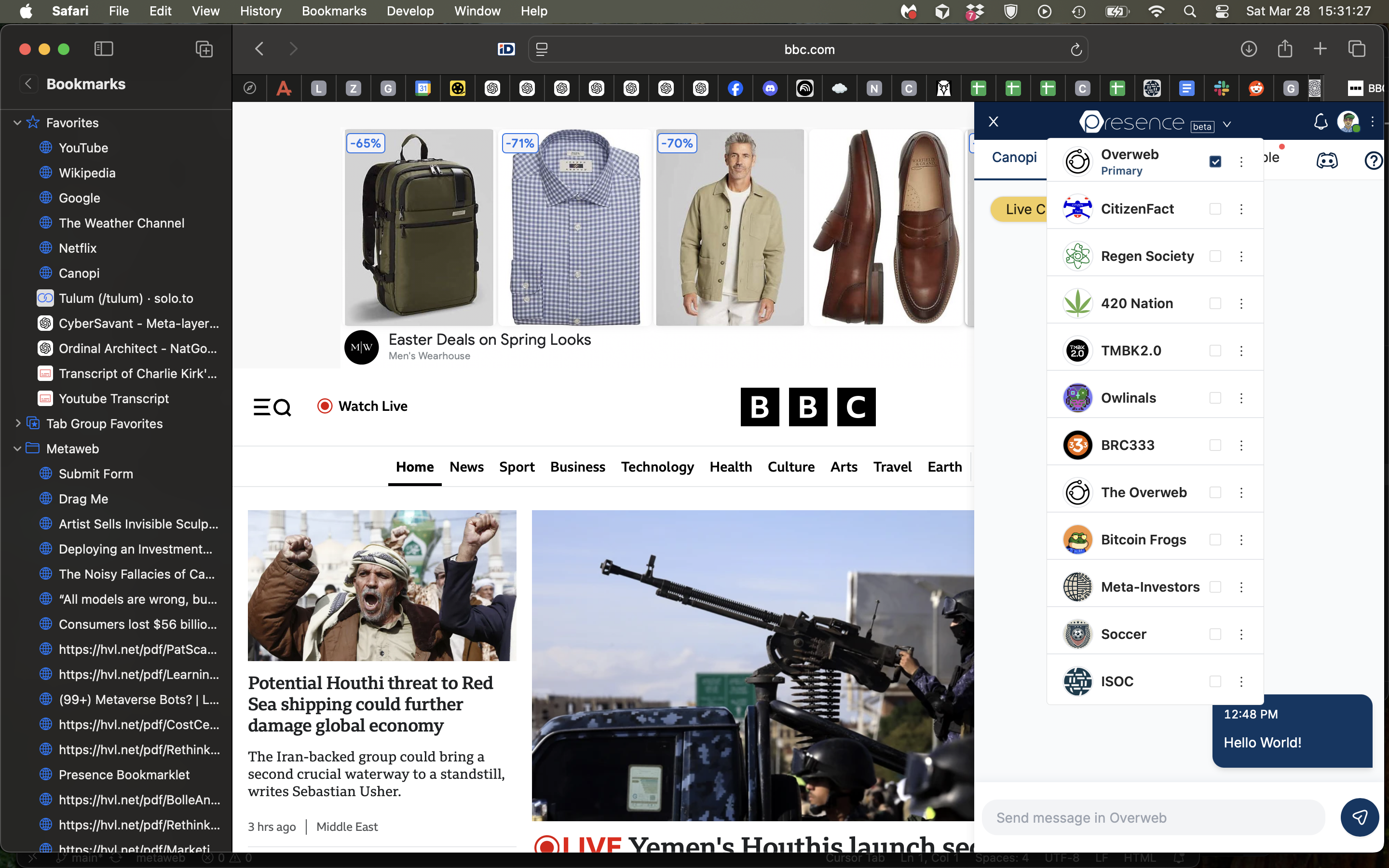
Install The Overweb
The Overweb Bookmarklet provides an easy way to access The Overweb from any webpage in the browser of your choice.
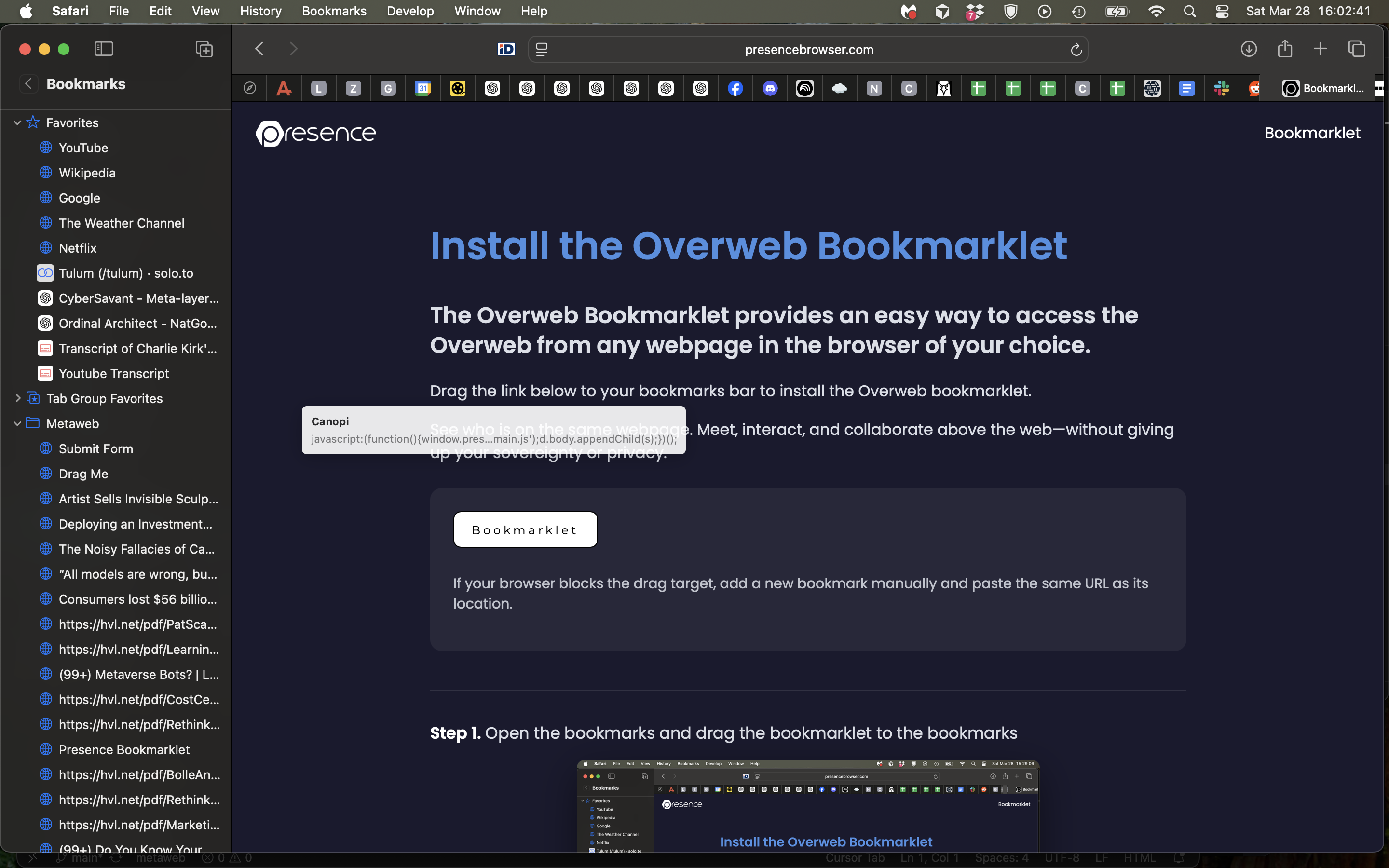
Drag the link below to your bookmarks bar to install The Overweb bookmarklet.
See who is on the same webpage. Meet, interact, and collaborate above the web—without giving up your sovereignty or privacy.
If your browser blocks the drag target, add a new bookmark manually and paste the same URL as its location.
Step 1. Open the bookmarks and drag the orange bookmarklet button to the bookmarks
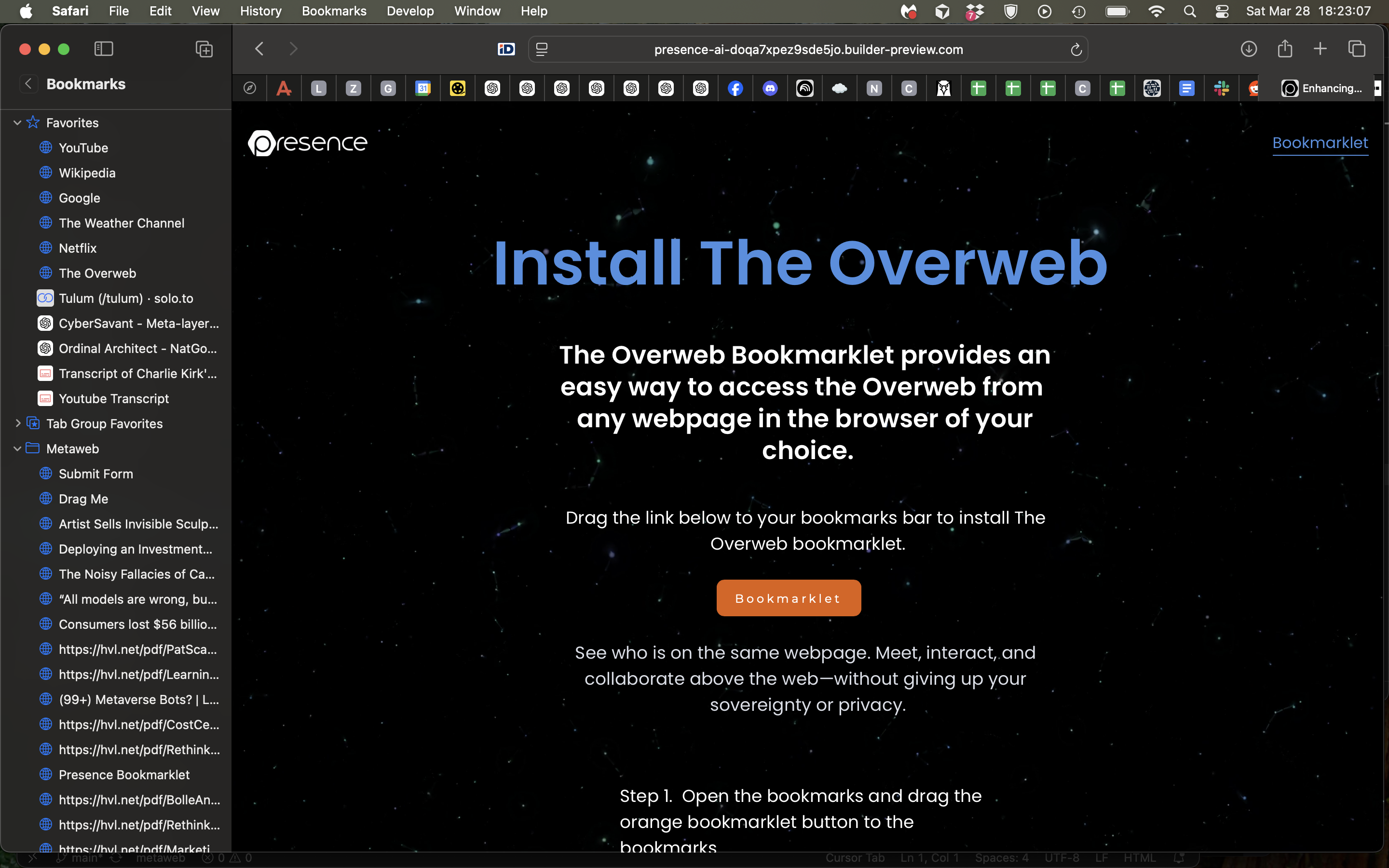
Step 2. You will see a new bookmark labeled The Overweb.
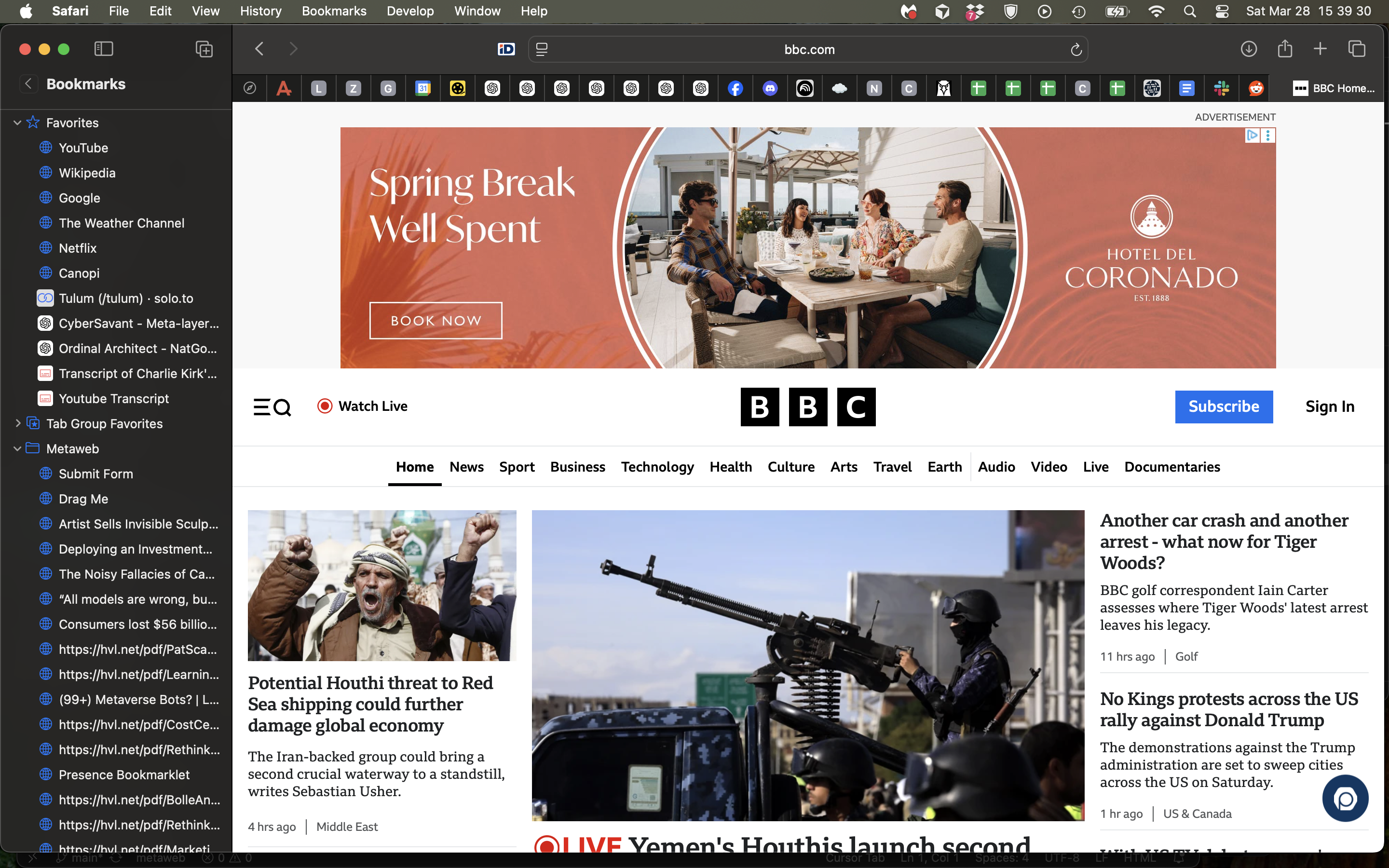
Step 3. Go to a webpage and click the bookmark to display the Presence icon in the lower right corner
Step 4. Click bouncing icon to access interactive layers above web pages that enable collaborative annotation, presence-based communication, and contextual content sharing. We call these Canopis.
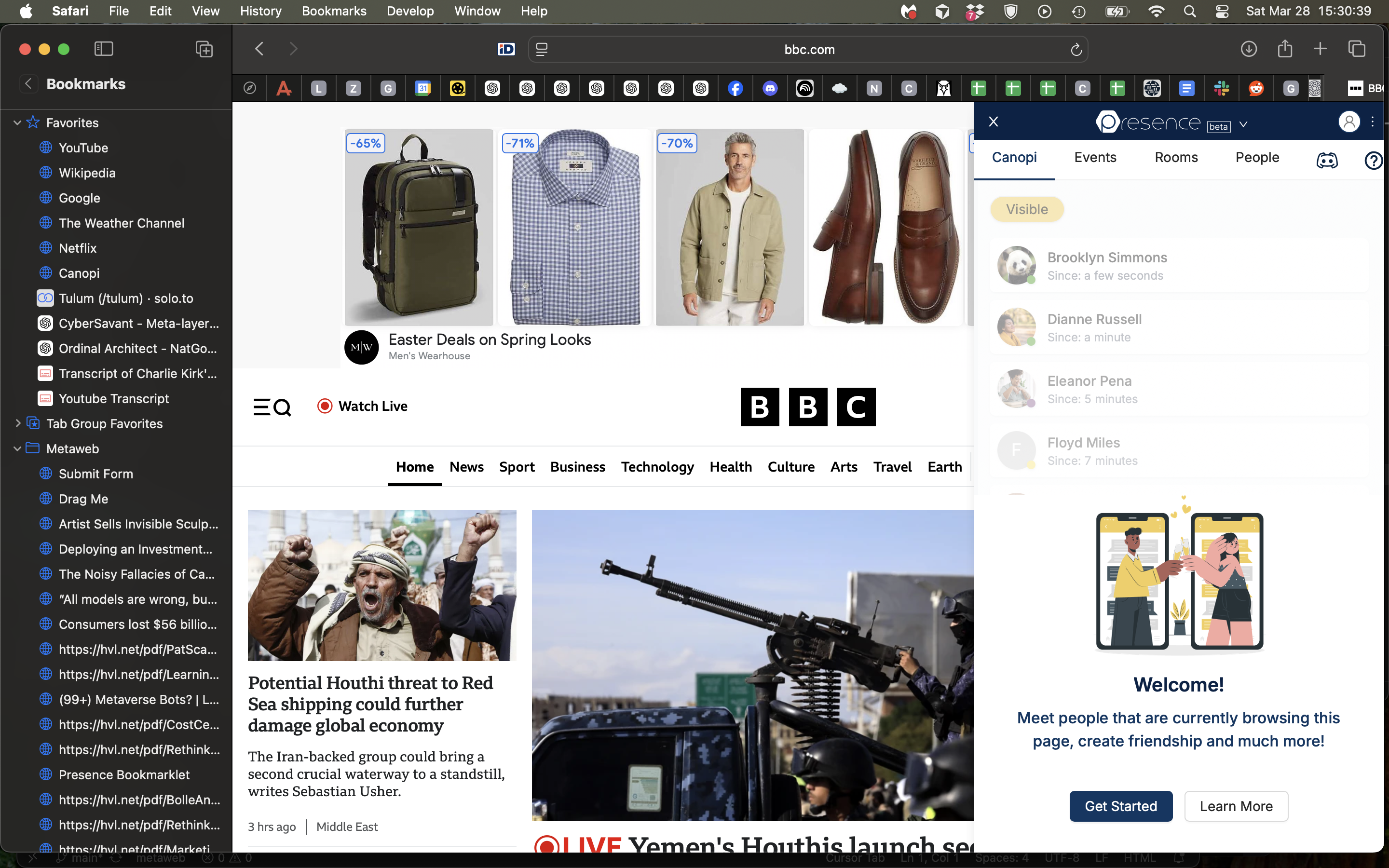
Step 5. Click Get Started, sign in with Google or sign up, and then decide which communities to be active in. By default, everyone starts in the interactive layer for The Overweb.